
World of Warcraft provides a default user interface (UI) that works well for new players, but experienced adventurers often require more customization to optimize their gameplay. A well-organized UI can enhance reaction time, reduce screen clutter, and improve overall efficiency. In this guide, we’ll cover how to customize your WoW interface for maximum efficiency, whether you’re a raider, PvPer, or casual explorer.

1. Choosing the Right UI Overhaul Addons
For complete UI customization, many players use addons that allow them to reposition and redesign their interface elements.
Recommended UI Addons:
- ElvUI – A full UI replacement that reorganizes action bars, unit frames, and menus.
- Bartender4 – Allows complete control over action bar placement and size.
- MoveAnything – Lets you reposition or hide any default UI element.
These addons provide a foundation for a clean and efficient interface tailored to your needs.
2. Optimizing Action Bars and Keybindings
Having a streamlined action bar setup ensures that abilities are easily accessible without cluttering your screen.
Tips for Action Bar Optimization:
- Hide unnecessary abilities and place frequently used skills in the most accessible slots.
- Use keybindings instead of clicking abilities to improve reaction time.
- Group similar abilities together, such as cooldowns, interrupts, and utility skills.

Keybinding managers like OmniBar help track ability cooldowns, making combat smoother.
3. Improving Combat Awareness with Addons
Whether in PvE or PvP, clear information about cooldowns, buffs, and enemy abilities is crucial.
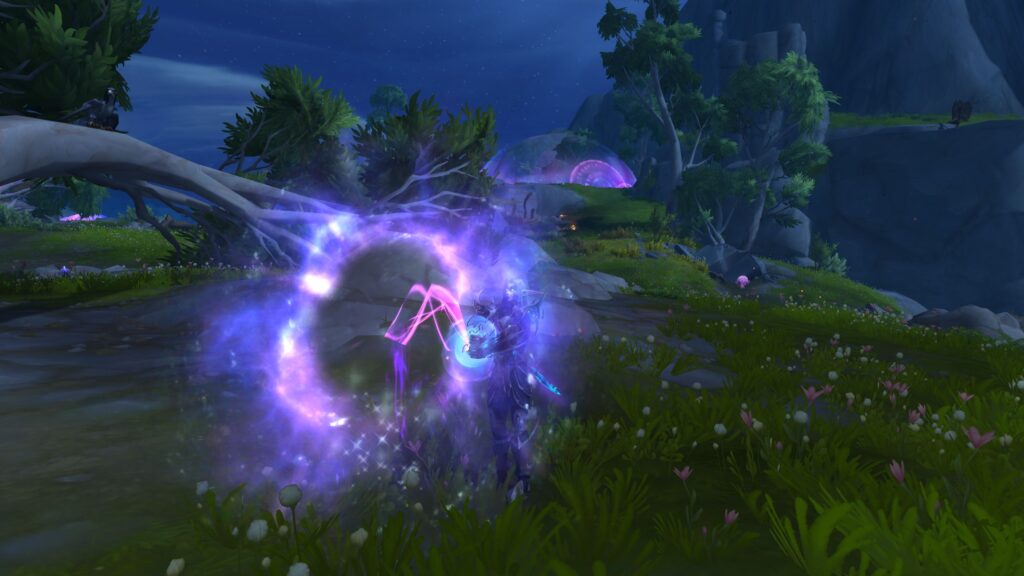
Must-Have Combat Addons:
- WeakAuras – Customizable visual alerts for cooldowns, buffs, and debuffs.
- Deadly Boss Mods (DBM) – Provides boss ability timers and alerts for raid encounters.
- BigDebuffs – Enhances the display of crowd control effects on party members and enemies.
These tools keep you informed and help you react faster in high-pressure situations.
4. Managing Your Inventory and Quest Log Efficiently
Keeping your inventory and quest log organized prevents unnecessary distractions while playing.

Helpful Addons:
- Bagnon – Combines all bags into a single window for easier inventory management.
- Questie – Enhances quest tracking, especially useful in WoW Classic.
- AutoVendor – Automatically sells junk items and repairs gear at vendors.
By automating small tasks, you can spend more time adventuring and less time managing your inventory.
Final Thoughts: Create a UI That Works for You
Customizing your UI is about enhancing efficiency without sacrificing visibility. By using UI overhaul addons, optimizing action bars, improving combat awareness, and streamlining inventory management, you can create a setup that makes playing WoW smoother and more enjoyable.
Experiment with different layouts and addons to find what works best for your playstyle, and enjoy a more efficient experience in Azeroth!
Home